watch it work
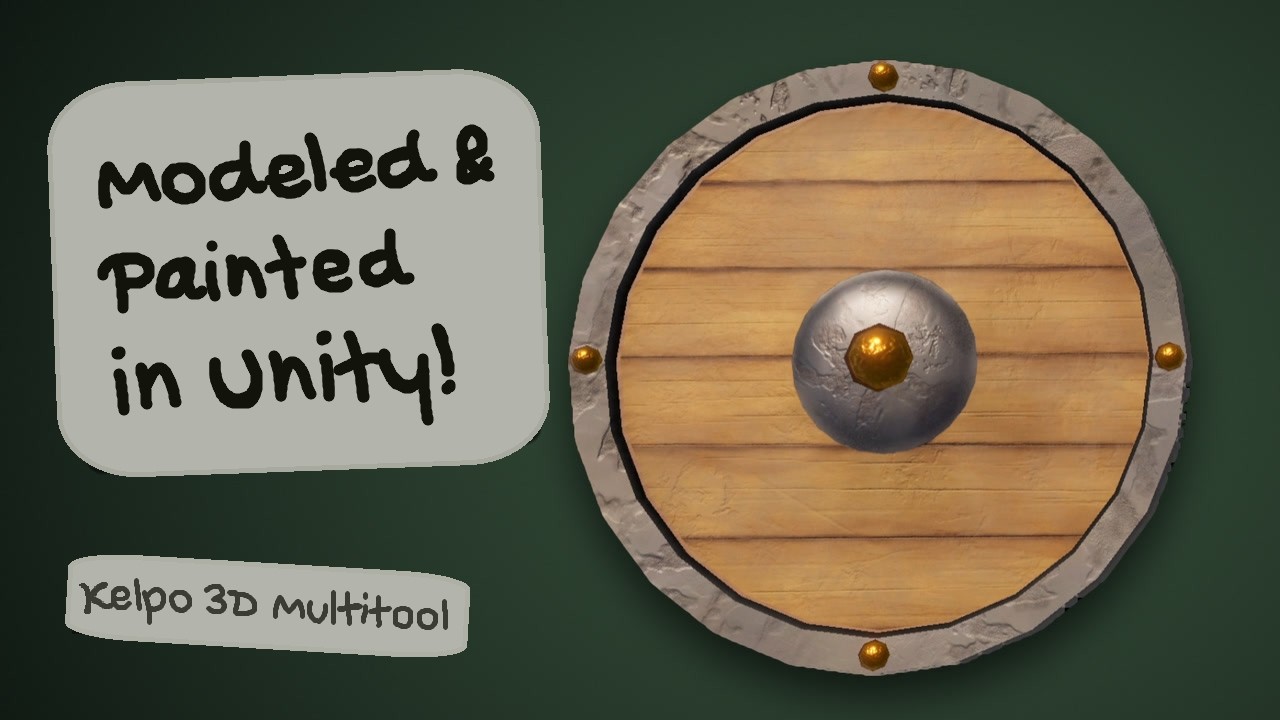 Play video: Modeling and painting a wooden shield without leaving Unity
 Play video: 3D model, sculpt and paint in Unity
The first demo
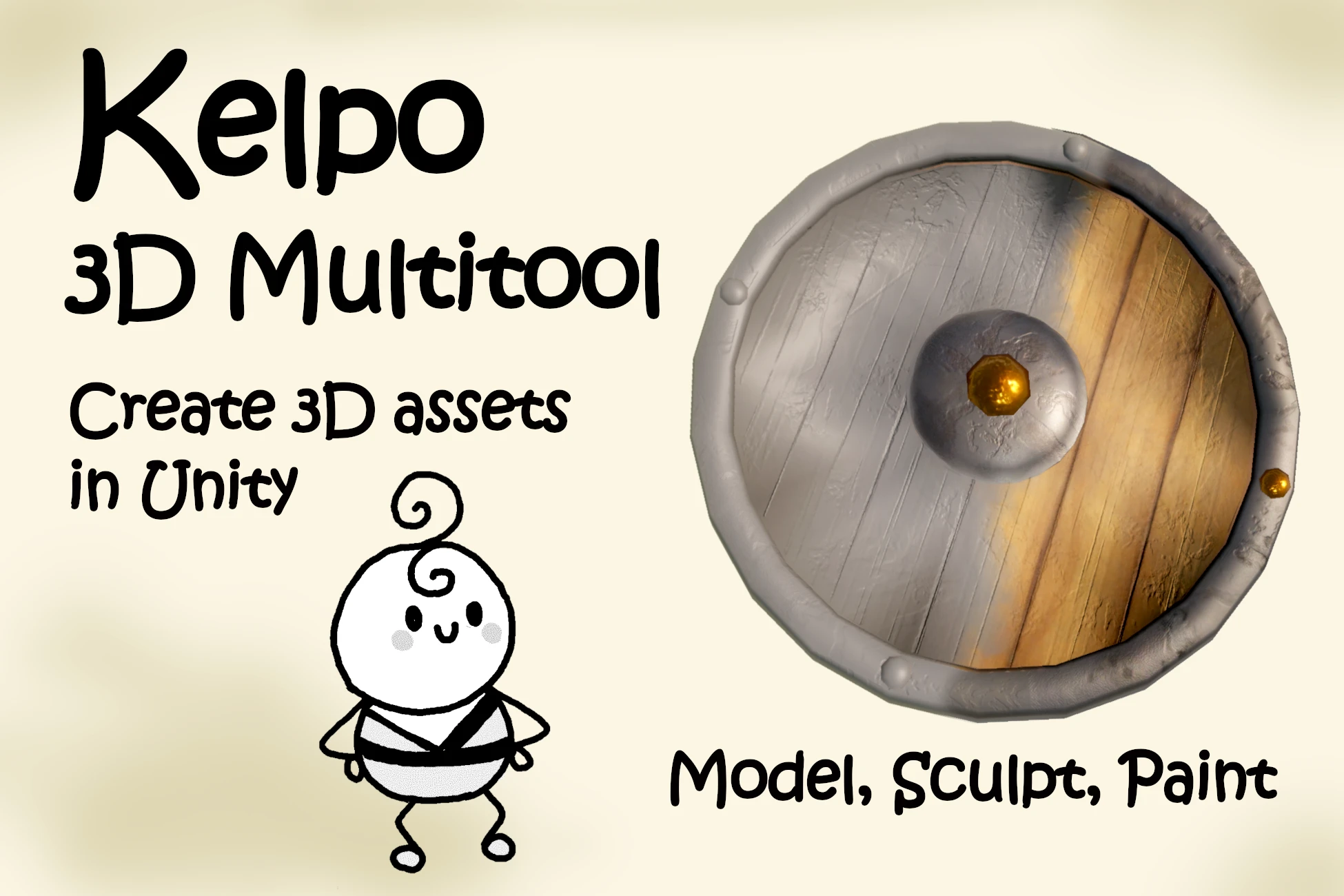
Model, sculpt and paint in Unity. The tool has grown a lot since this one, but the idea is the same.
More videos on YouTube at @KelpoTools.
what it does
-
Model
Edit vertices, edges and faces. Extrude, inset, loop cut, weld and mirror as you go. Start from a cube, plane, sphere or cylinder.
-
Sculpt
A practical set of core brushes for shaping the mesh and adding detail by hand.
-
Remesh
Simplify or remesh when a mesh gets heavy. Mask the details you want to keep and compare before you apply.
-
UV
Automatic unwrapping without overlaps, or box and triplanar projection. Check the layout and texel density before painting.
-
Paint
Paint color, metal, smoothness and height right on the surface, in layers. Start from scratch or paint over existing textures. Characters too, in their current pose.
-
Colliders & export
Quick colliders and simplified mesh colliders. When it is done, export the mesh, textures, material and prefab.
good to know
The tools are basic on purpose. Here is what that means in practice.
good for
- Blockouts, prototypes and greyboxing
- Props, modular pieces and level geometry
- Fixing up and repainting meshes you already have
- Painting characters in their current pose
- Quick colliders and simple collision meshes
not for
- Replacing Blender or other full 3D suites
- Booleans or hand-made retopology
- Detailed UV editing by hand
- Reshaping skinned meshes (painting them works)
learn it
Two ways in. The tutorials go step by step, with a short clip for every step. The manual has every tab, option and shortcut on one page, for when you need the details. More tutorials are on the way, one part of the tool at a time.
tutorials
step by step
- Getting started: make a barrel
- Modeling soon
- Sculpting and remeshing soon
- UVs soon
- Painting soon
- Colliders and export soon
manual
Every tab, every option, every shortcut. The same manual ships inside the package, too.
Open the manual
get it
Kelpo 3D Multitool is on the Unity Asset Store.
launch sale 30% off ·
Questions before you buy, or stuck after? Write to kelpo.works@gmail.com. I read every message.